
Hide iCloud Open Menu
Hide iCloud Open Menu A12+ Platinum
Separate Open Menu service for hiding an iCloud account and using your own Apple ID. It is not FMI:OFF and not a full iCloud unlink.
Hide iCloud in Open Menu mode
Used when the device already opens to Settings. The goal is to carefully hide the current iCloud account and prepare the device for your own Apple ID and working services.
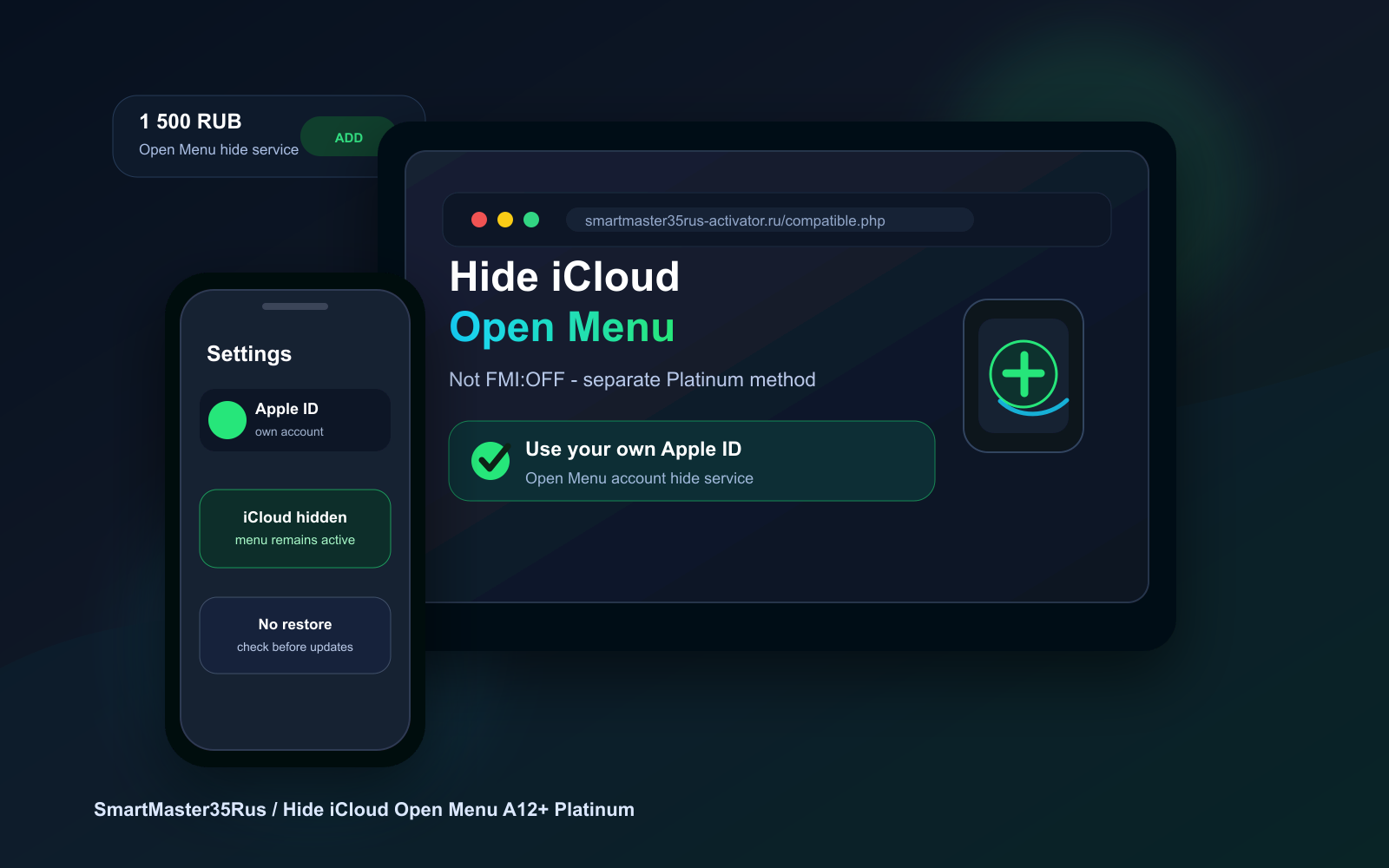
Service price
Hide iCloud Open Menu A12+ Platinum - iCloud account hide service
In the order, specify model, iOS version and confirm that the device currently opens to menu.
18.00$
1 764 ₽
This is not FMI:OFF
FMI:OFF Open Menu and Hide iCloud Open Menu are different actions. FMI:OFF is about unlinking through a suitable Open Menu scenario, while Hide iCloud hides the account for everyday use without rough intervention.
When it fits
- The device opens to menu and Settings are accessible.
- You need to use your own Apple ID and services without full restore.
- The case is not an A12 Activator bypass and does not require Sync Fix.
Limits
- Windows 10/11 build 3.0.0.5: iPhone and iPad A12 and newer, iOS 12.0–27.2 beta 2. iOS 27.2 beta 3 and newer are not supported.
- macOS 11 and newer (Intel): the published release covers iOS 12.0–27.0 beta 4.
- A USB cable, a registered serial number and running Windows as administrator are required.
- The same run can skip or restore Setup Assistant, limit iOS updates and reset Screen Time.
- IPSW flashing, a full restore or an iOS update can reset the service state.
Workflow
Check
We confirm model, iOS and that the device really opens to menu.
Prepare
We choose the correct Open Menu scenario and confirm that Hide iCloud is the needed service.
Tool
Hide iCloud Open Menu A12+ Platinum from the SmartMaster35Rus line is used.
Final check
We check Apple ID sign-in, Settings and working services.
Result
After completion the device remains usable in menu, the current iCloud is hidden, and the user can use their own account and services within the method limits.
Did not find an answer?
Describe the device model and the issue - we will suggest a solution and price.