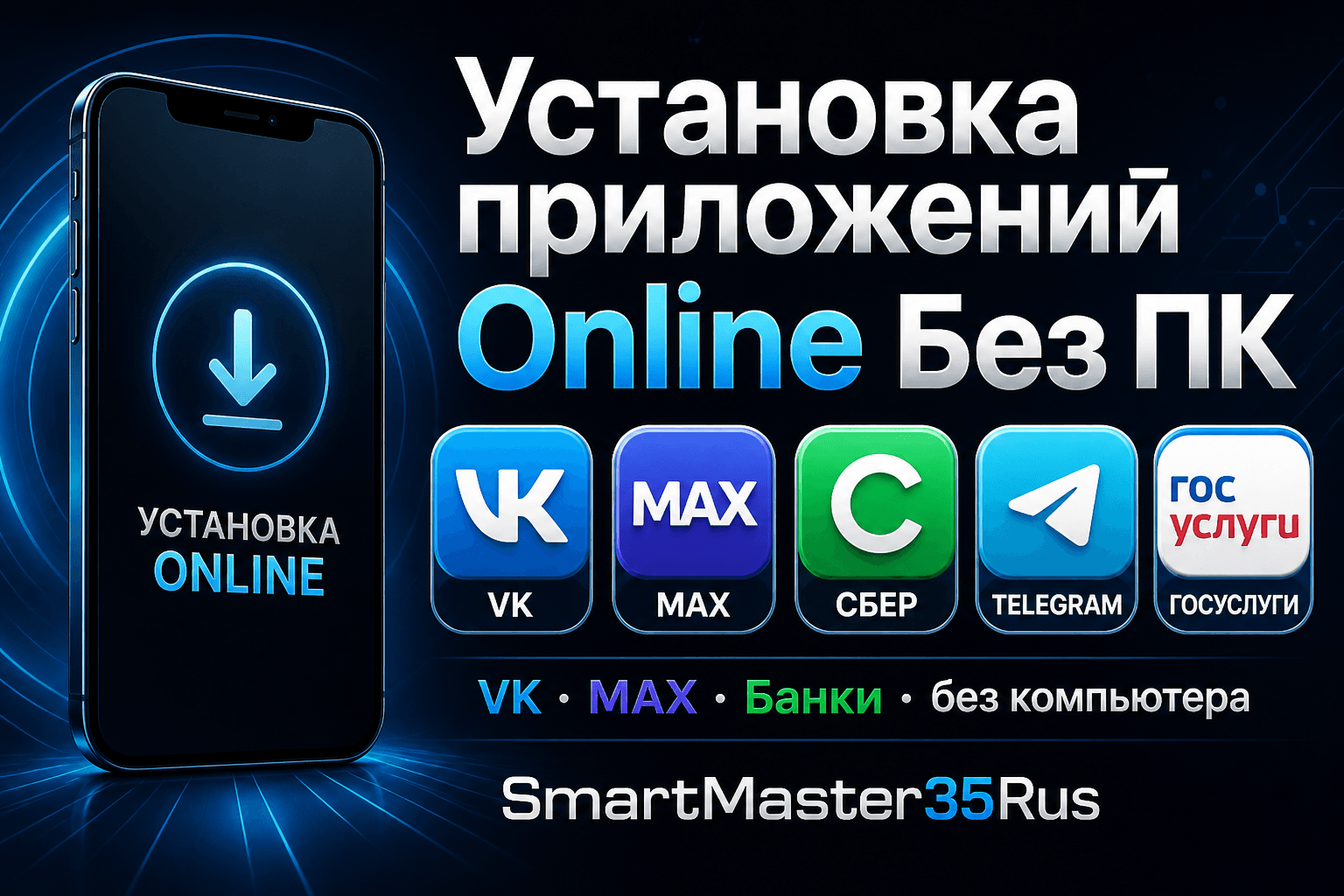
Online · No PC
Install apps online without a PC
Install needed apps on iPhone via Safari: VK, MAX, banks, government apps and more. No computer, no jailbreak — pick apps in the catalog and get a personal OTA link.
iPhone apps in minutes
The client chooses apps, pays, and installs via Safari. Useful when the App Store is unavailable or apps were removed from the storefront.
Works in Safari on iPhone. No computer needed.
Most requested
VK
Online OTA
MAX
Online OTA
Сбер
Online OTA
Госуслуги
Online OTA
Telegram
Online OTA
Банки
Online OTA
Why it is convenient
📱
No PC
Everything on iPhone: Safari, checkout, itms-services install.
🧩
VK · MAX · Banks
Catalog with popular apps often needed after bypass.
🔐
OTA link
After payment — a personal install page for your order.
⚡
Fast start
Select → pay → install. No service visit required.
How it works
- 1
Open catalog
Use the button below to open the app storefront.
- 2
Pick apps
Select VK, MAX, banks and other needed apps.
- 3
Pay
Get a personal installation link.
- 4
Install in Safari
Open the link on iPhone and confirm installation.
Ready to install?
Opens the SmartMaster catalog — choose apps yourself.
Did not find an answer?
Describe the device model and the issue - we will suggest a solution and price.