
Free · Apple
Block iOS OTA updates
Two working ways to stop overnight updates: a configuration profile (refresh about once a month) or the OTADisabler IPA via TrollStore / Sideloadly / AltStore / SideIPA / LiveContainer — turn it on once and leave it.
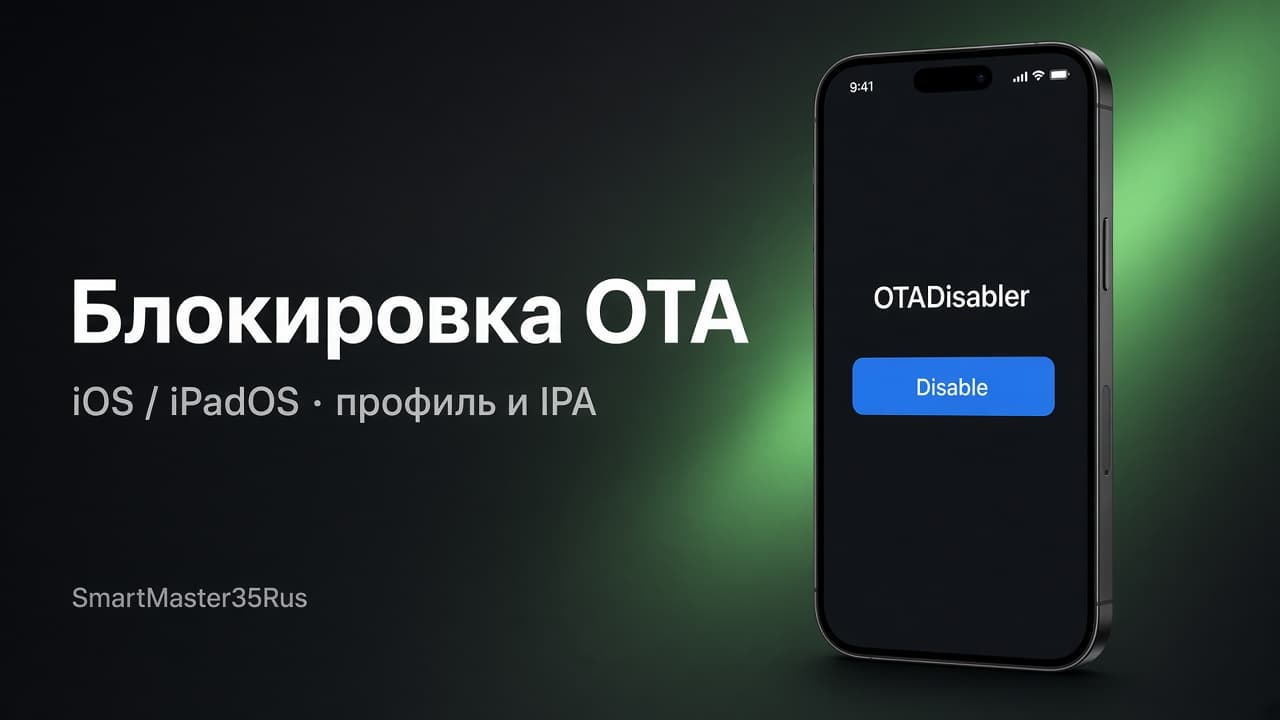
Keep an archival iOS build and avoid a brick
A night-time OTA can wipe the firmware you meant to keep. After an activation bypass it can also drop activation status and brick the device. Blocking updates is prevention, not a 100% guarantee.
Who this is for
📦
Archival iOS
Stay on the current build and avoid an auto-update overnight or while travelling.
🛡
After activation bypass
Do not lose activation status or brick the unit with a surprise OTA.
🧰
TrollStore / sideload
If an IPA can be installed with TrollStore, Sideloadly, AltStore, SideIPA or LiveContainer — there is a one-shot path.
Two methods
.mobileconfig profile
Install from Safari, no jailbreak, no PC. The file on the server is regenerated every day automatically. On the device you still re-apply it about once a month so the profile stays current.
Download profileOTADisabler IPA
Universal path for TrollStore / Sideloadly / AltStore / SideIPA / LiveContainer: install the app, enable the block — no monthly disable/refresh cycle.
Download IPAMethod 1. Configuration profile
A tvOS / Block OTA profile stops Software Update checks. It fits current iOS 18–26 and devices without TrollStore. SmartMaster regenerates tv_cfg_v4.mobileconfig every day with no admin button. You still remove the old profile and install a fresh one about once a month.
How to install the profile
- 1
Safari on iPhone / iPad
Open this page on the device and tap Download profile. Allow the download.
- 2
Install
Settings → Profile Downloaded → Install. If there is no banner: Settings → General → VPN & Device Management.
- 3
Passcode and reboot
Confirm install three times, enter the passcode and reboot.
- 4
Check
Settings → General → Software Update should show iOS is up to date or a check error. If an update already downloaded, delete it in Settings → General → iPhone Storage.
Why once a month
Apple rotates the OTA catalog and an old profile expires: the update badge comes back. Repeat the procedure about once a month, always from a current file. Daily server refresh exists so that when the date comes you download a fresh profile, not last year’s copy.
Monthly profile refresh
- Remove the old profile: Settings → General → VPN & Device Management → profile → Remove.
- Download the fresh file from this page (it is updated on the server every day).
- Install again and reboot.
- Turn Beta Updates off if they are on, and delete any already-downloaded IPSW from storage.
Method 2. OTADisabler IPA — once and done
For devices that can install an IPA: TrollStore, Sideloadly, AltStore, SideIPA, LiveContainer. Install the app, tap Disable — no monthly profile cycle.
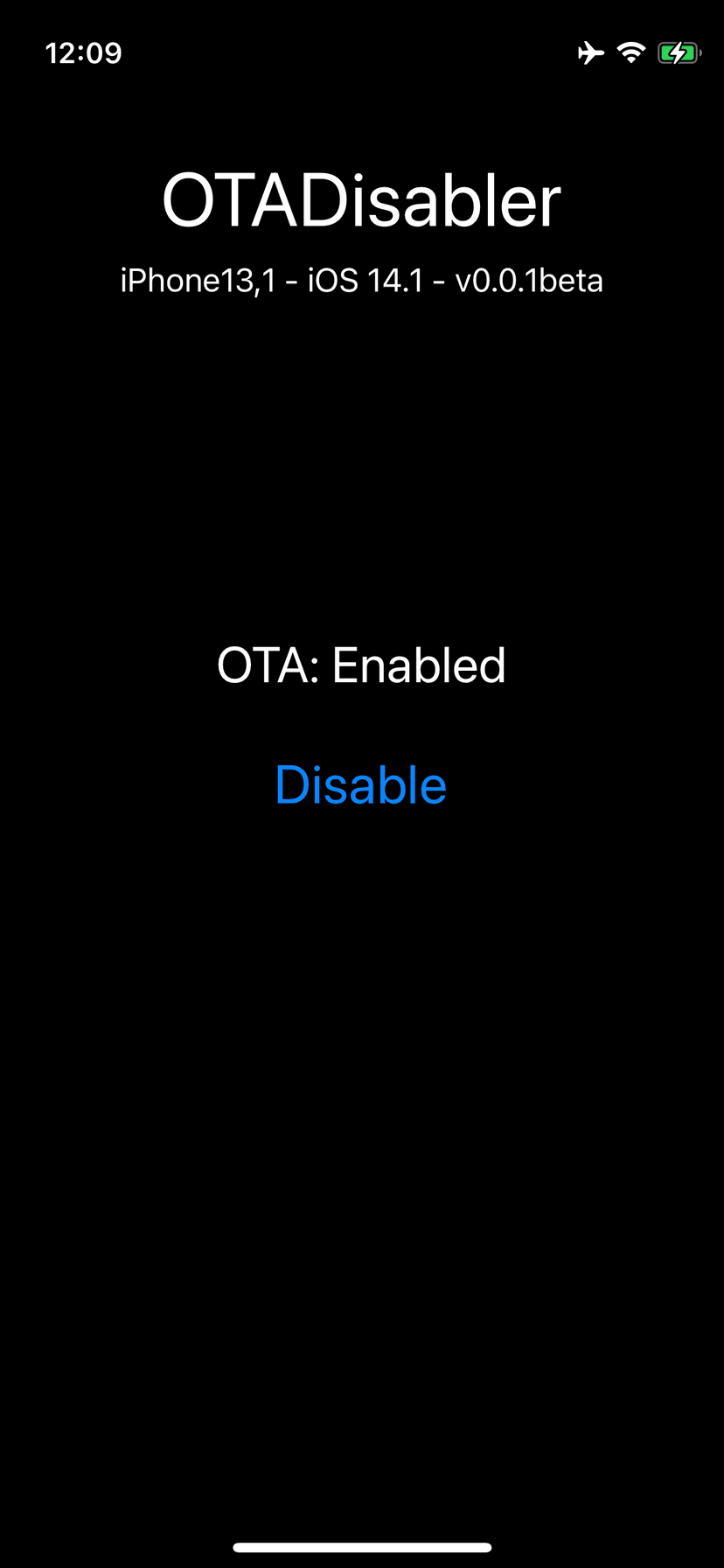
How to enable
- 1
Install the IPA
Use TrollStore, Sideloadly, AltStore, SideIPA or LiveContainer — whichever already works on the device.
- 2
Delete a downloaded update
Settings → General → iPhone / iPad Storage → Software Update, delete it if the file is there.
- 3
Open OTADisabler
Tap Disable. No tvOS profile is required for this path. No jailbreak required.
- 4
Done
Turn the block on once — nothing to refresh every month. Force-closing the app may reboot the device: that is how the original project works.
Original project: ichitaso OTADisabler (App), credit @ModernPwner / @_bplank. Author page: cydia.ichitaso.com. This is not a jailbreak tweak and not a substitute for the profile on devices that cannot install IPA. ichitaso · GitHub
Download IPALimits
- OTA blocking does not fix iCloud and is not an activation bypass. It only stops auto-updates.
- After an activation bypass, an OTA can drop status and brick the unit — block updates before a download starts, not after.
- Profile and IPA are provided as-is, with no 100% guarantee. If Software Update still sees firmware — delete the downloaded update, turn beta off and install a fresh profile.
- To allow updates again, remove the profile or set OTA: Enabled in the app.
FAQ
Is it paid?
No. The profile and IPA on this page are free.
Why monthly if the server updates the file daily?
The server keeps the download fresh. The profile already installed on the iPhone is not replaced by itself. Once a month you remove it and install again.
Profile or IPA?
If TrollStore / Sideloadly / AltStore / SideIPA / LiveContainer works — IPA is simpler: once. If you cannot install IPA — Safari profile and a monthly refresh.
Which iOS?
The profile targets current iOS 18–26. The IPA is the sideload/TrollStore path; the original project does not need a jailbreak.
Need help with a device?
If you are unsure which method to use, or the unit is already after activation bypass — write on Telegram or the contact page. Phone: +7 999 988-81-58, Vologda.
Did not find an answer?
Describe the device model and the issue - we will suggest a solution and price.